Plener · an ecosystem for photographers
Everything between the idea and the shot
Poses with human cues, a prompter that keeps your eyes on the lens, a shoot plan that doesn't fall apart, and lighting without the mystery. Tools built by a photographer who's stood on location more than once thinking, “okay, what now?”
The idea
A shoot is a conversation with a person
On a shoot you do two jobs at once: you run the camera and you guide the person. Camera makers take care of the first. The second runs on your memory and improvisation: what to say, where to place them, how to get a laugh, what to shoot next. Plener is for the second.
One glance, then back to the person
You read a cue in a second. A tool that makes you scroll and think mid-shoot steals your attention from the person, and that attention is worth more than any shot.
Only what's missing
There are already good services for editing, galleries, contracts, and booking, and we don't copy them. We build what still lives in your head and your messengers: the prep and the shoot itself.
Made for real conditions
Sun on the screen, camera in one hand, no signal. So everything you need on a shoot opens without internet and works with one finger.
Tested on real shoots
Plener is made by a photographer. Every tool is tested on real shoots first and only then becomes a product.
Pain points
Sound familiar?
The client freezes and waits for directions
The first twenty minutes are the hardest. The client is stiff, silent, and looking at you — and the two poses you're sure you remember are already done.
The references were somewhere
Some saved on Instagram, some on a Pinterest board, some in screenshots. Mid-shoot, the one you need is nowhere to be found.
The plan is in your head, and your head is busy
What the client wants, when the sun sets, which shots are a must. As long as that's scattered across notes and three messengers, something will get lost.
On video, your eyes keep drifting off camera
You're recording a reel or a greeting, with the text open on a laptop to the side. Your eyes keep sliding over, it's already take five, and viewers notice.
Plener has a tool for each of these problems. Together they cover a shoot from the client's first message to the last frame.
The path of a shoot
From “I'd like to book” to the last frame
Here's exactly where each product helps on a shoot. You don't need all of them — start with whatever hurts most.
Understand the client
The client gets a link with a short questionnaire and a taste test: they just tap the images they like. Instead of “something natural, I guess,” you see what they actually mean.
Studio · in developmentMake a plan
AI suggests poses, a location, and a mood for this client. You edit and send it, and the client sees how the shoot will go and worries less.
Studio · in developmentGuide the person
Poses for this location and these people, each with a cue for the hands and the gaze. No need to remember — just glance.
Poses · liveTalk to the camera
The text runs right by the lens, so you look into the camera, not off to the side. An assistant can run the pace from their phone.
Prompter · liveRepeat what worked
A shoot that worked becomes a template for the next one. For a similar client you won't start from scratch.
Poses · liveHow it's built
Separate products. One account.
One shared library.
Each product is useful on its own. Together they're easier: one account and one pose library.
One account
Sign in with Apple or Google, and the same account works across every Plener product. When Studio launches, its Pro will unlock Pro in Poses and Prompter too.
A shared library
Poses and references live in one catalog. Studio will build plans from the same poses you already know from Poses.
Offline
On location you don't always have signal. Poses, plans, and scripts open offline, and your changes sync once you're back online.
Yours stays yours
Your photos and references never go into the shared library — that rule is built into the database itself. And prompter videos never leave your phone.
Products
What's live and what's on the way
Plener—Poses
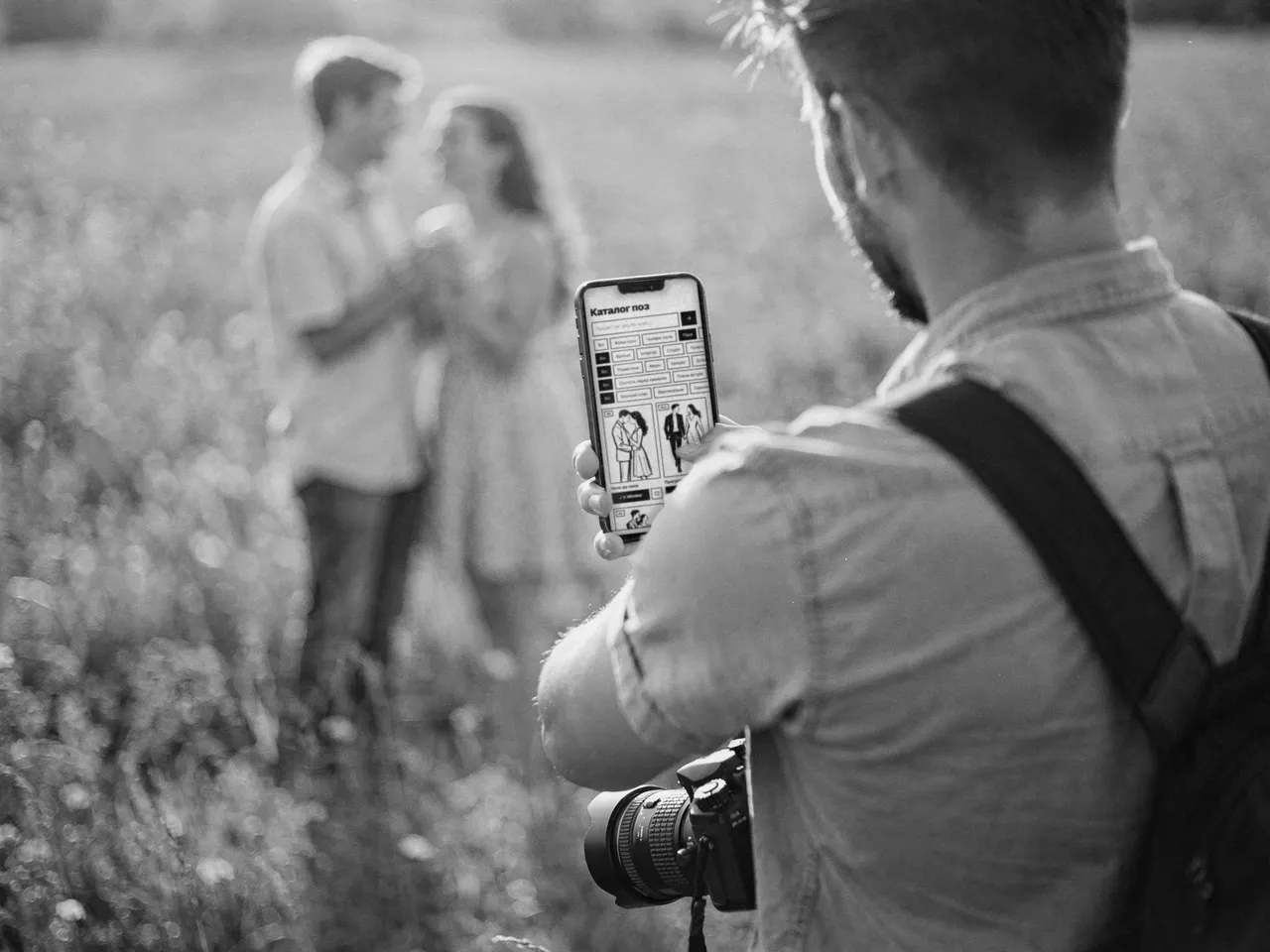
A pose library that doesn't just show a picture — it tells you what to say: where the hands go, where to look, how to stand. You talk to your client instead of scrolling your phone.
- Over a thousand poses, filtered by location, style, group, and lens
- A cue for every pose: hands, gaze, body
- Shoot mode: your picks at hand, and a pose sketch you can lay over the camera
- Save a shoot that worked as a template and repeat it
Works in the browser · iOS and Android apps — coming soon
Plener—Prompter
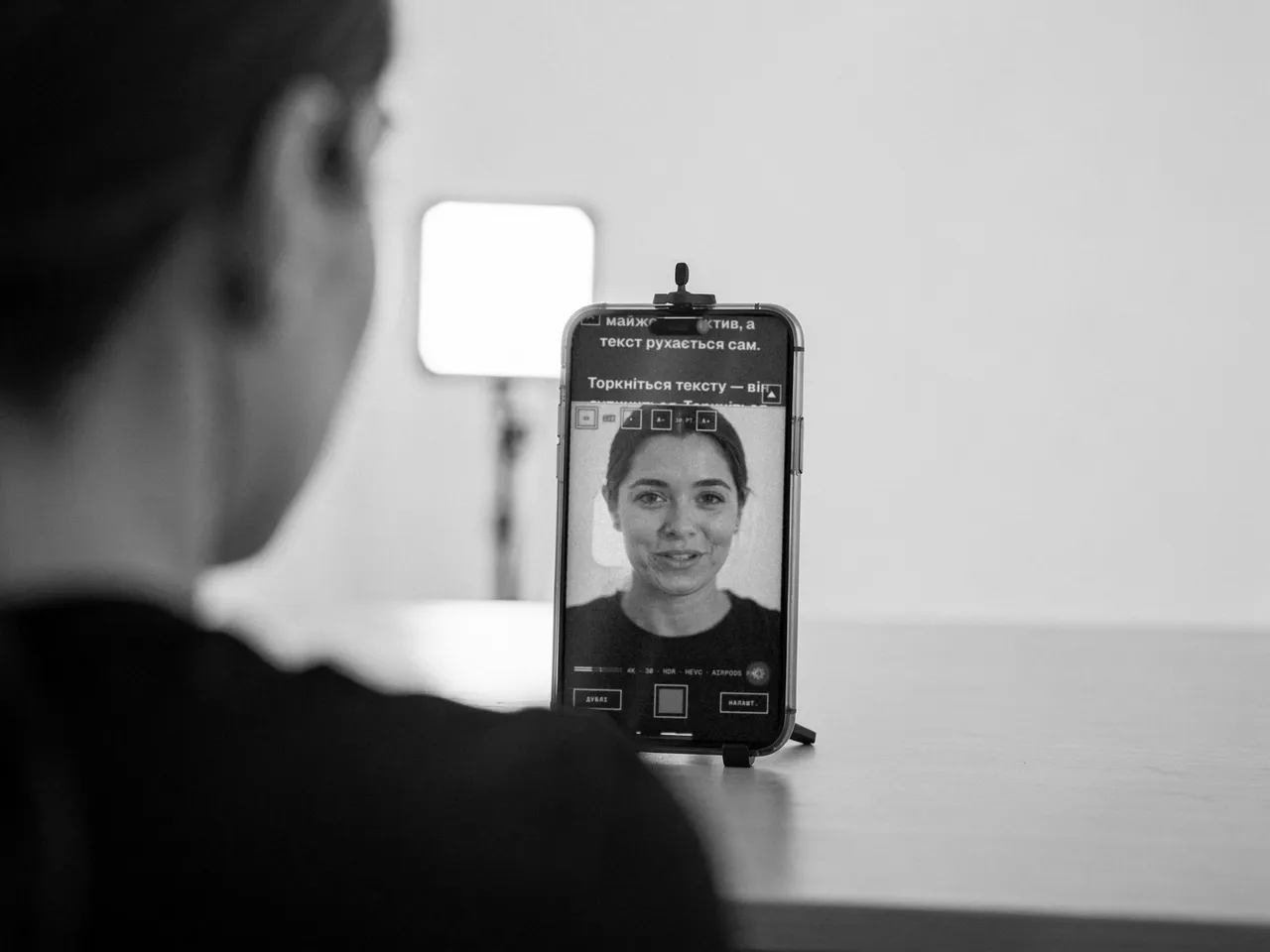
A teleprompter for videos where you or your client talk to the camera. The text runs right under the iPhone's front camera, so your eyes stay on the lens, and the file comes out just like one from the built-in Camera.
- Recording up to 4K, 60 fps, and HDR, no watermark and no time limit
- Mirror mode for a glass rig
- A remote by link: anyone can run the pace from a browser, nothing to install
- Write on your laptop, read from your phone, and the videos stay there
Scripts and remote work in the browser · iPhone app — coming soon
Plener—Studio
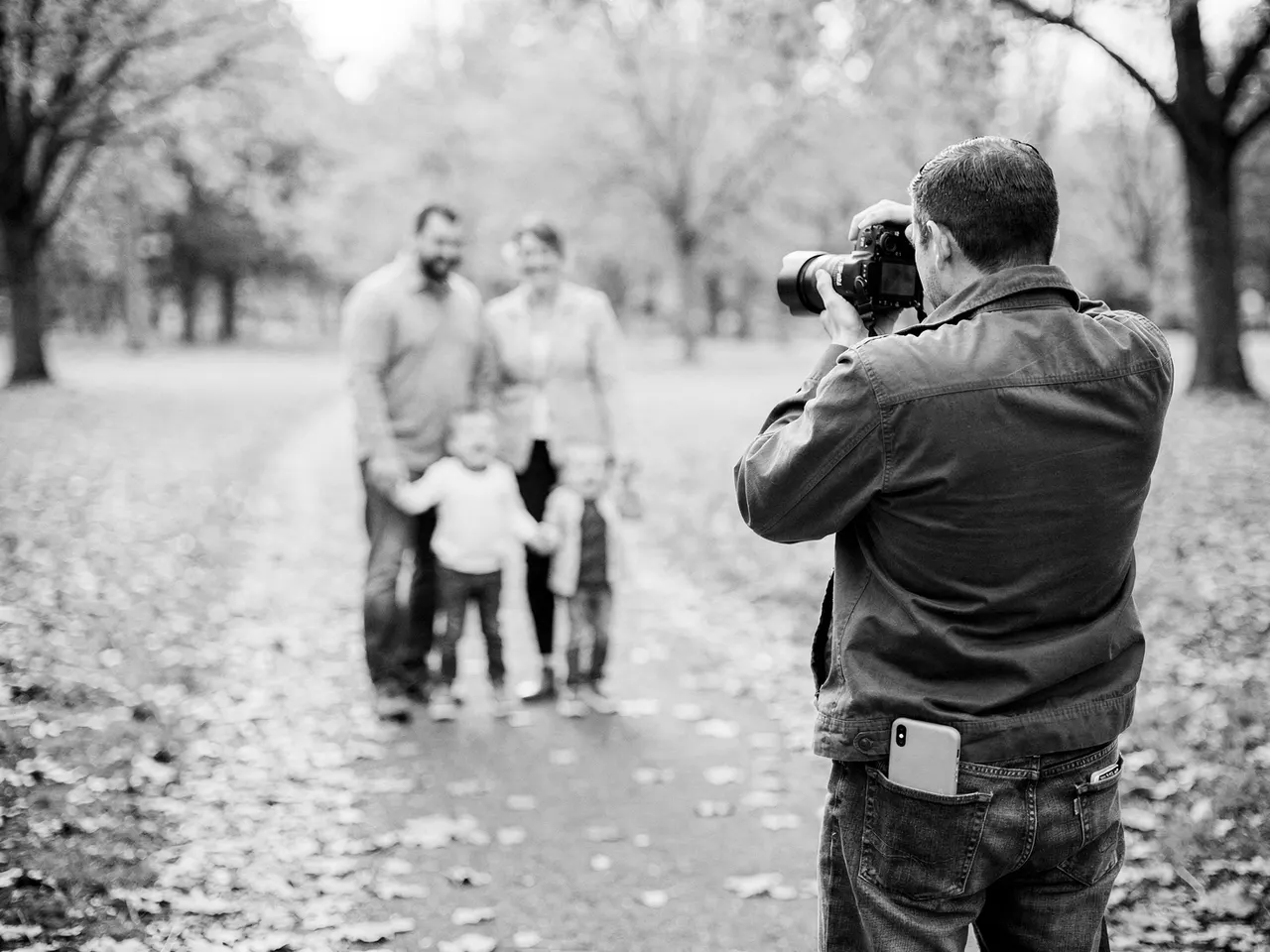
All your shoot prep in one link for the client: questionnaire, taste test, plan, and a guide on what to wear and bring. Instead of five chats and your memory.
- The client installs nothing and doesn't sign up — they just open the link
- Taste test: the client taps images, and you see what they really want
- AI drafts a plan from poses, location, and light — you edit and approve
- On shoot day the plan opens offline: shots, cues, backup options
In development · no launch date promised
Pricing
Free — no time limit. Pro — once shooting becomes your job.
The free version isn't a trial or a watermarked cut-down. You can use it for years. Pro unlocks the rest once you shoot regularly.
Plener—Poses
- Free
- Solo portraits on the street and indoors: several hundred poses with cues, plus shoot mode.
- Pro
- The whole library: couples, families, kids, studio, nature. Plus filters by style, lens, framing, and client specifics.
Plener—Prompter
- Free
- Three scripts, 1080p recording up to 30 fps, and one guest remote for half an hour. No watermark, no time limit.
- Pro
- As many scripts and folders as you like, 4K, 60 fps, HDR, manual exposure and white balance, unlimited remotes.
You buy Pro in the app, monthly or yearly; the yearly plan starts with 7 free days. The App Store shows the price in your currency.
You have to start somewhere
Start with what hurts
Clients freeze in front of the camera? Open Poses. Need a video where you look into the lens? Open Prompter. Both are free to start, and they share one account.