Plener
—Prompter
A prompter that keeps your eyes on the camera. For reels where you talk, and for videos where the client reads. Write on your laptop, read from your phone, and let an assistant run the pace if you need one.
Scripts and remote work in the browser · iPhone app — coming soon
Who it's for
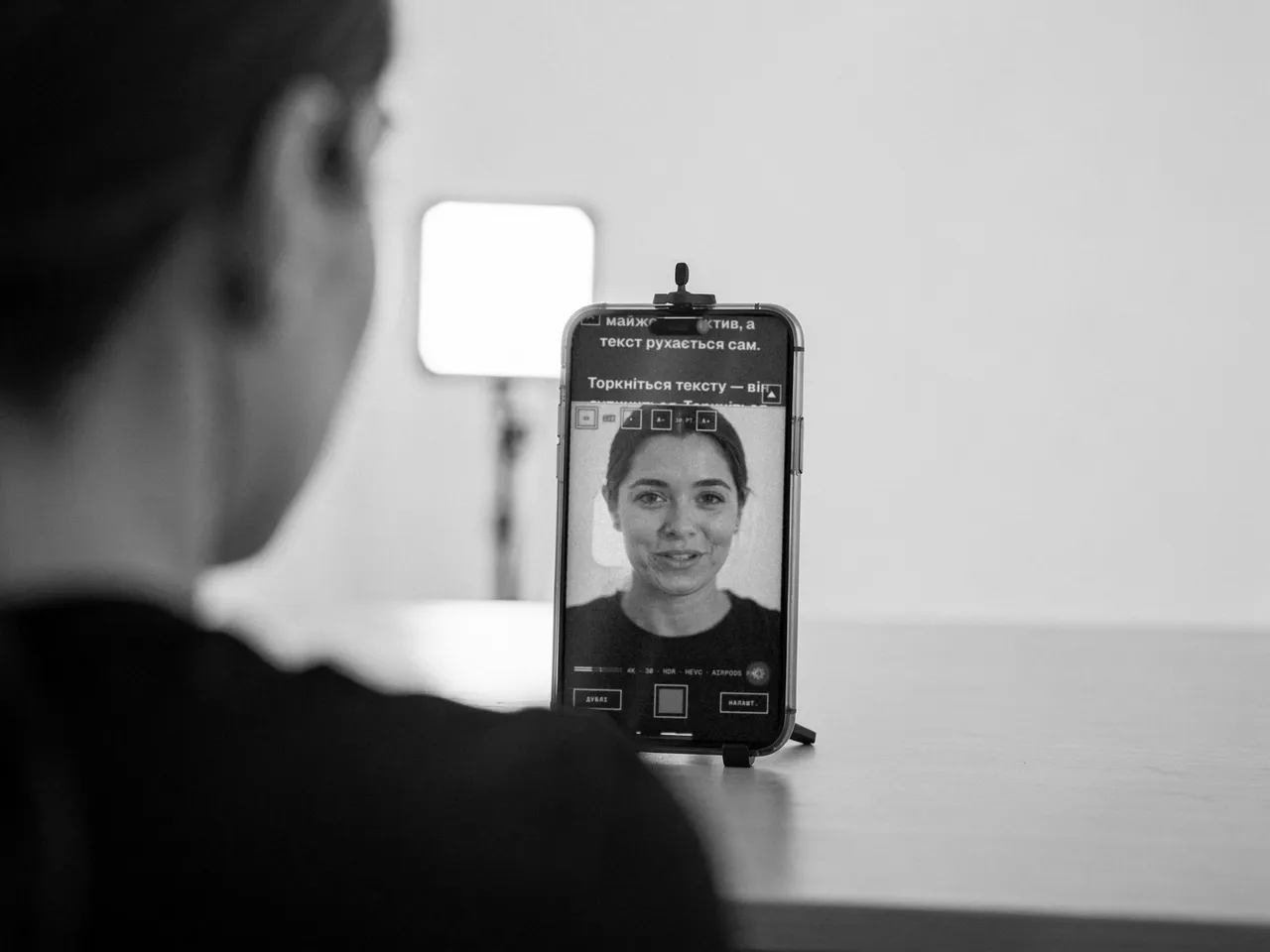
For anyone who talks to the camera
You run a blog
Reels, stories, mini-session announcements. The text is in front of you, so no memorizing and no fifth retake.
Videos with clients
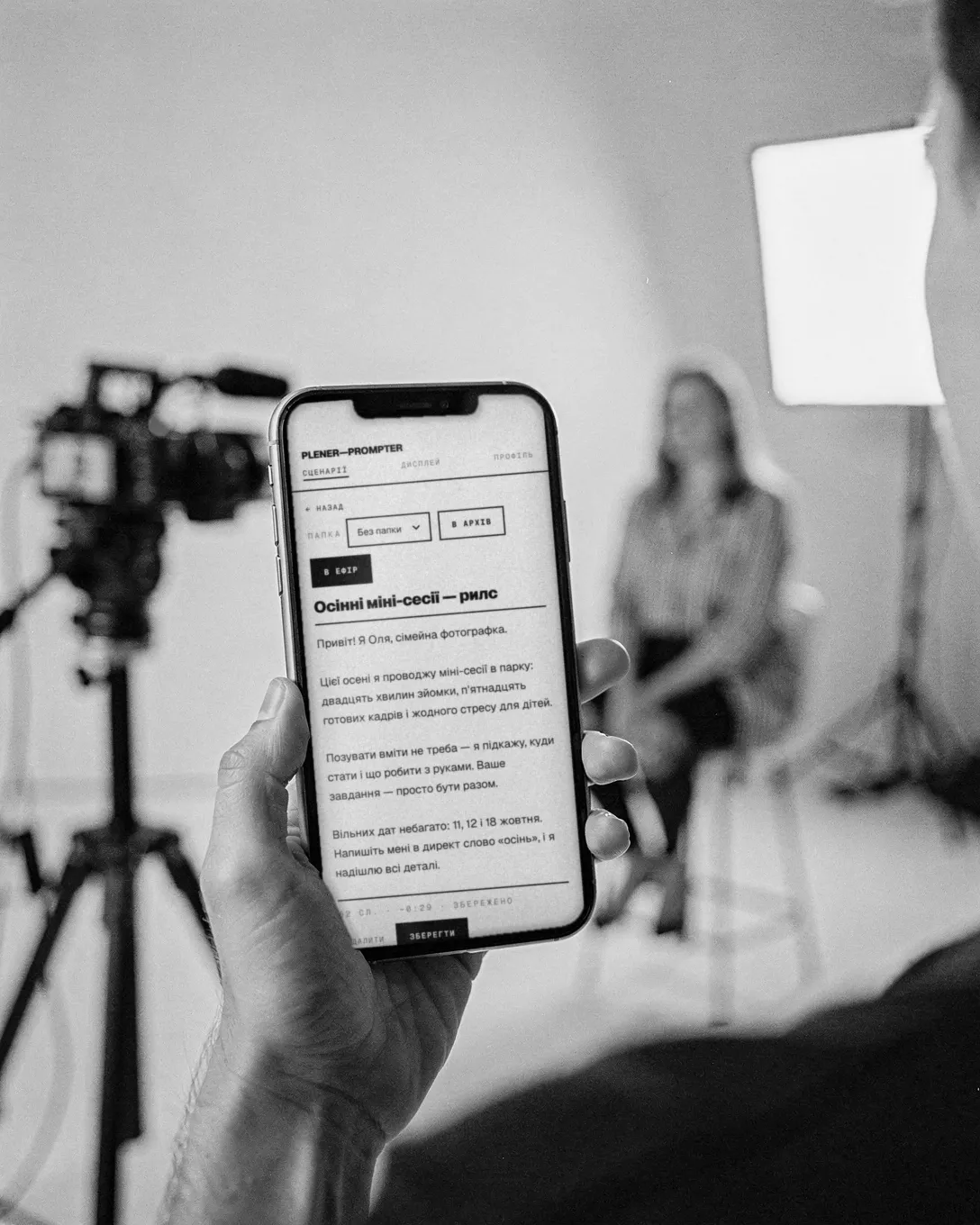
A testimonial, a greeting, a wedding invitation. The client reads from the phone by the lens and looks natural, not like they're taking an exam.
Shooting with an assistant
The tablet sits in a glass rig, and your assistant runs the text from their phone via a link. No cables, nothing to install.
How it works
From text to take
Write the script
On your laptop in the browser or right in the app. The text shows up on all your devices at once and opens offline.
Set up the prompter
Set the pace in words per minute, the font size, margins, and a countdown. The app shows how long the read will take.
Record
The text runs in a strip under the front camera. Tap the frame to focus, drag to change exposure. Lost your place? Pause the text and fix the pace while recording continues.
Pick your take
All takes stay in the app. Save the good one to Photos or send it, and delete the rest.
Features
What's inside
Like the built-in Camera
4K, 60 fps, HDR, HEVC or H.264, stabilization. The app only offers the modes your iPhone actually supports.
Any microphone
AirPods, a lavalier, or a USB mic — it records from whatever's connected. You see the audio level during the take.
Audio only
For a podcast or a voiceover you can record just your voice. Instead of the frame, the screen shows a live waveform.
Portrait and landscape
9:16 for reels, 16:9 for YouTube. The text always stays on the side where the lens is.
Control from other devices
All your devices show the text at the same spot. You can give a guest a remote link with an expiry and revoke it any time.
Videos stay with you
We never receive your videos. The server only stores scripts and settings.
Pricing
Free and Pro
- Free
- Three scripts, 1080p recording up to 30 fps, and one guest remote for half an hour. No watermark, no time limit.
- Pro
- As many scripts and folders as you like, 4K, 60 fps, HDR, manual exposure and white balance, unlimited remotes.
You buy Pro in the app, monthly or yearly; the yearly plan starts with 7 free days. If Pro ends, nothing disappears: scripts over the limit stay readable, you just can't create new ones.
Questions
Frequently asked
Which iPhone do I need?
iPhone 11 or newer. Camera settings depend on the model: the app only shows what your phone can do.
Is there an Android version?
Not for recording yet — that's iPhone only. But scripts and the remote open in any browser, including on Android.
Does the free version add a watermark?
No, and there's no time limit either. Free limits the number of scripts, the recording quality, and guest remotes.
Where are my videos stored?
Only on your phone. Takes stay in the app until you save them to Photos or delete them.
Read your first text to the camera today
Open Prompter in your browser. A sample script is already there to show you how it all works.